- Telephone
- Email
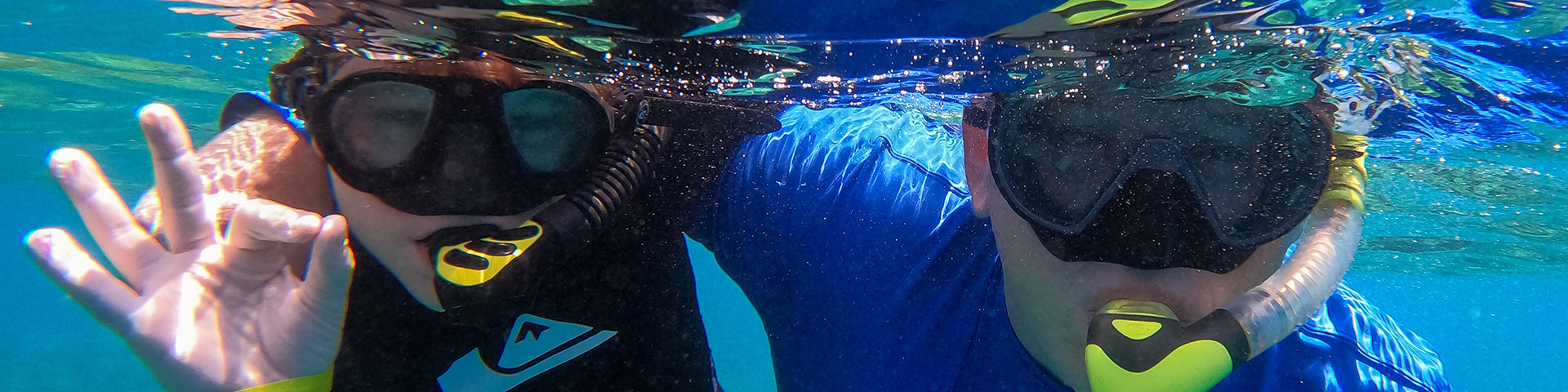
Here’s our 2026 guide of the best and worst underwater cameras for your Great Barrier Reef trip. Why is this important? This is a bucket list experience. You’ve spent months planning it, booked the flights, compared the best Cairns snorkelling tours and picked the boat, and now you’re standing in a shop in Cairns looking at a $20 waterproof phone bag or a $35 disposable camera. They promise “great memories” for a bargain price, but I can tell you this, you do get what you pay for when it comes to cameras.
We’ve been visiting, photographing and filming Cairns’ Great Barrier Reef for 15 years. We’re passionate photographers wanting to capture awesome memories and amazing moments. We’ve owned every GoPro from the Hero 2 to the Hero 13, and we’ve tested the performance of the mobile phone bags and disposable cameras, to bring you this guide of the good, the bad and the embarrassing. So let’s check it out and try save you from wasting hard earned cash for something that just doesn’t work. Note: Every photo in this guide was taken by our team on the Great Barrier Reef using the actual cameras reviewed below. No stock photography here -just real results.
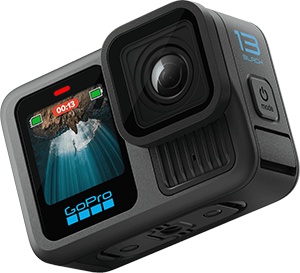
Get a free underwater camera rental when you book tours departing Cairns through us valued at over $750, we’ll lend you a GoPro underwater camera to use for the duration of your tours. Numbers are limited and allocated on a first-come basis. Get in touch with us to claim this deal today.

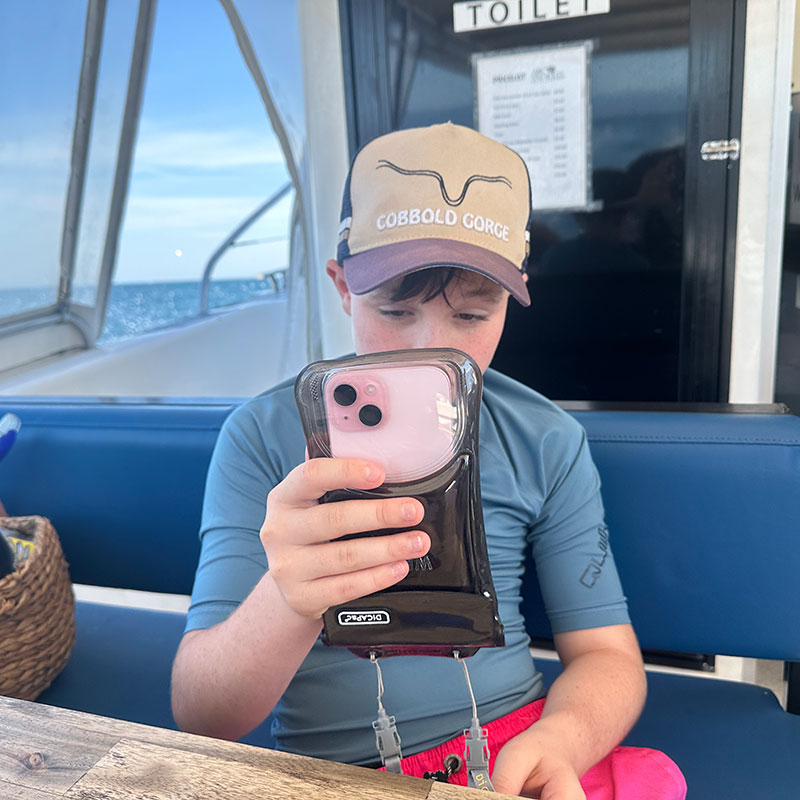
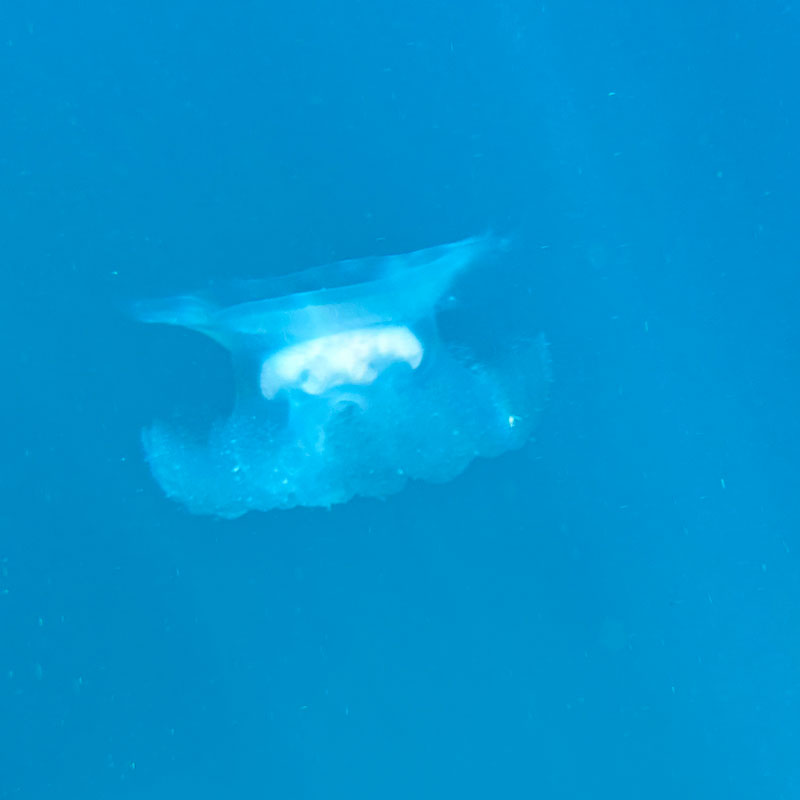
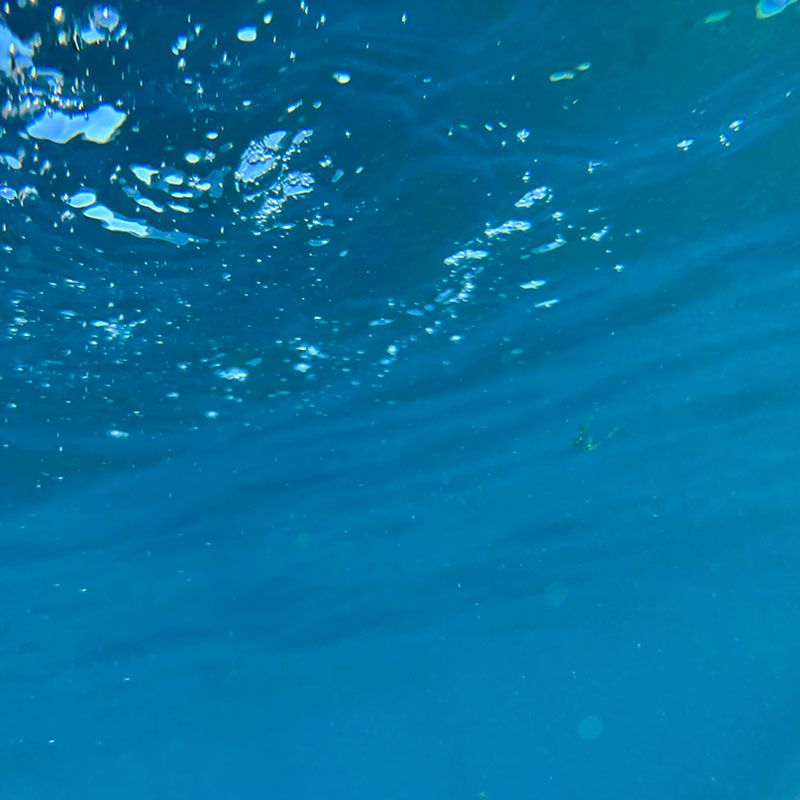
The Waterproof Phone Bag look convenient, but you'll struggle to get good photos and video results. Avoid these.
You see these everywhere, because they are an easy sell. They’re cheap and they promise to protect your most valuable device while letting you capture all the action of your reef experience but they have thier problems…
Our Verdict: The only useful thing about these is the lanyard. Everything else is a recipe for frustration.

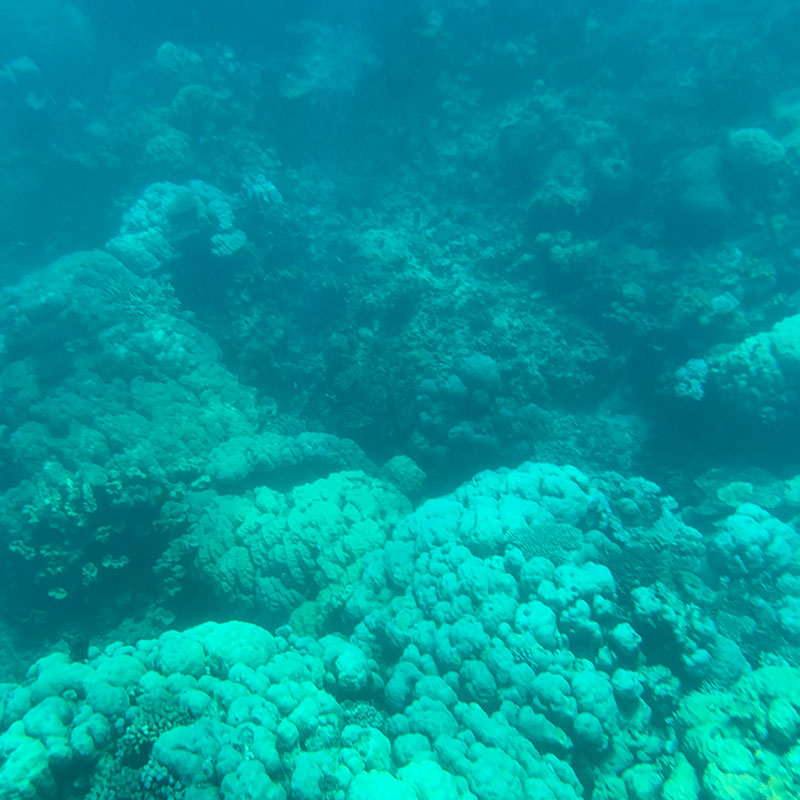
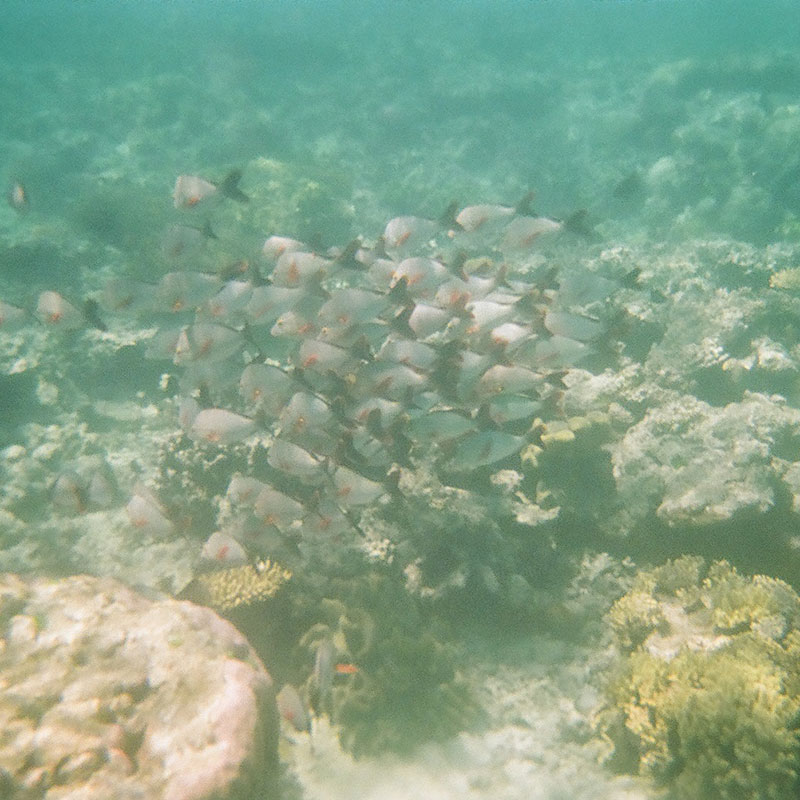
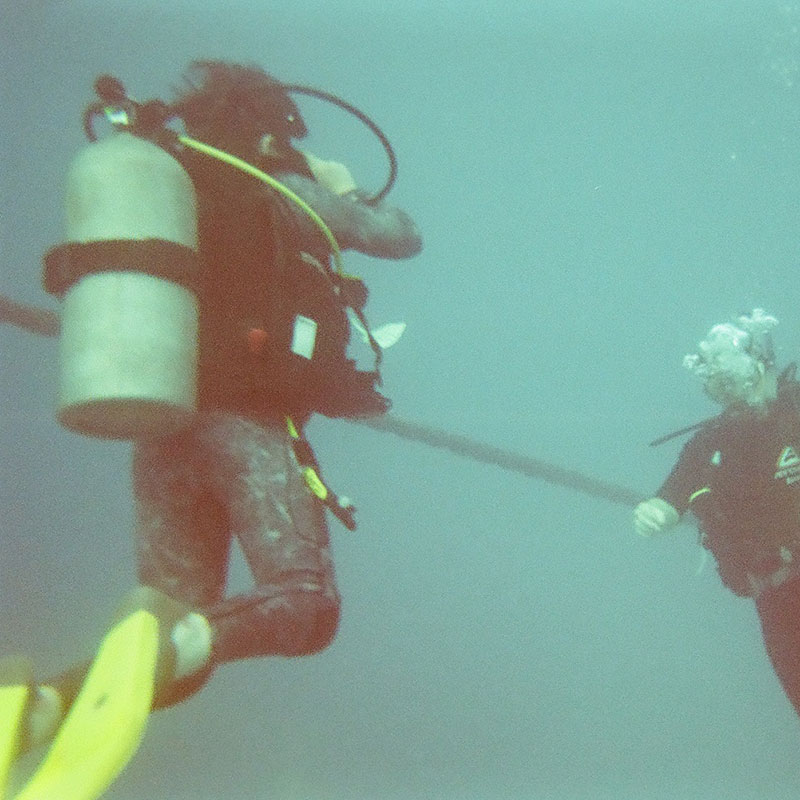
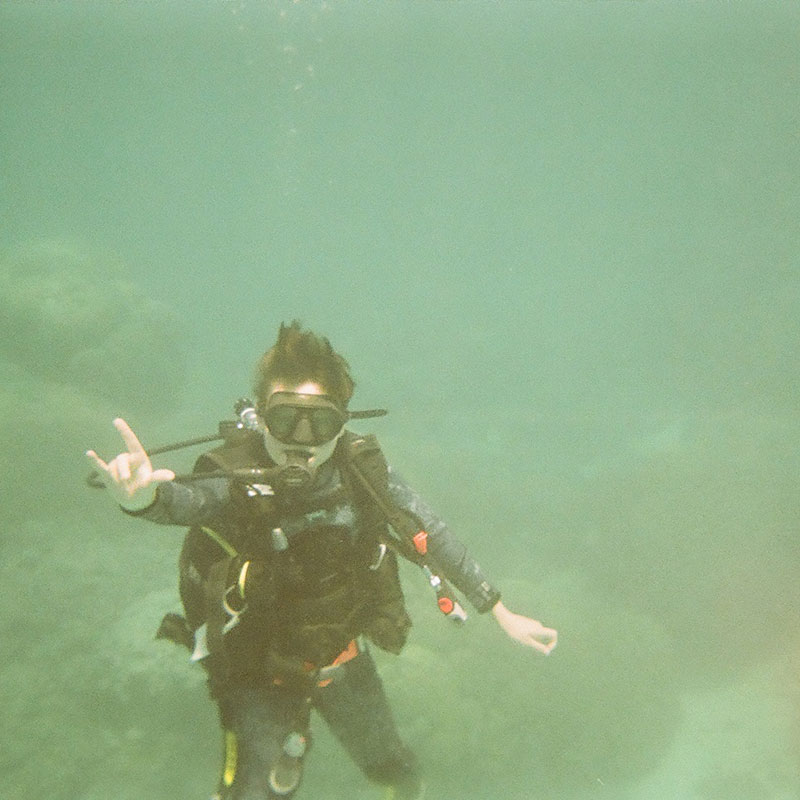
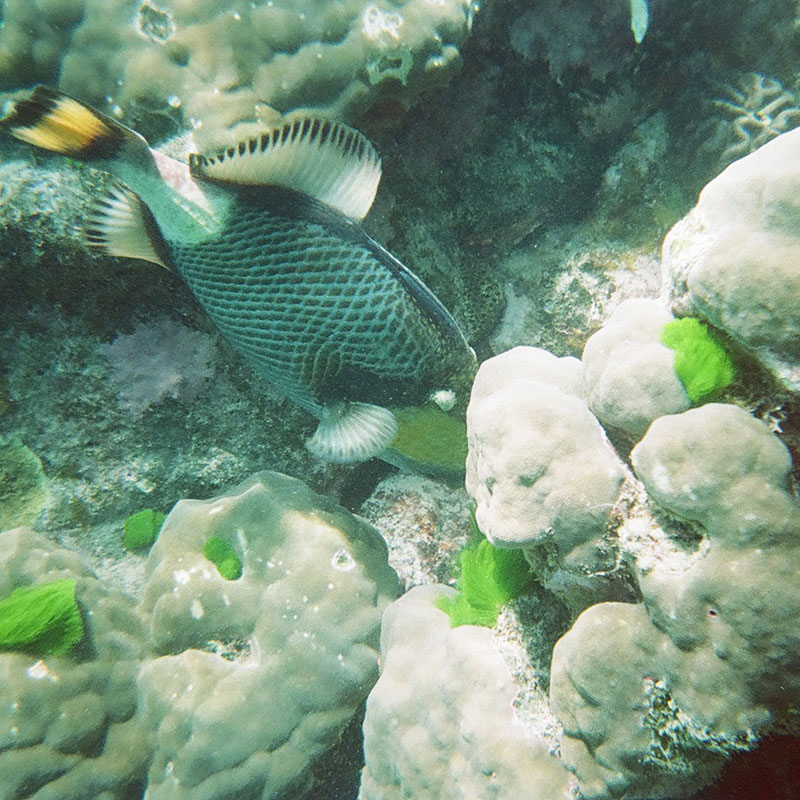
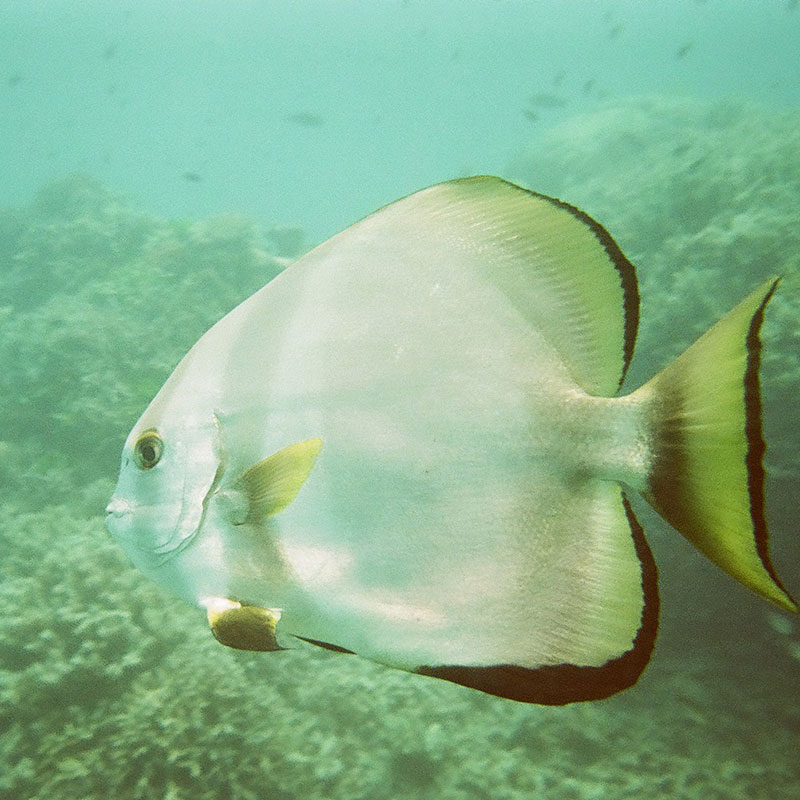
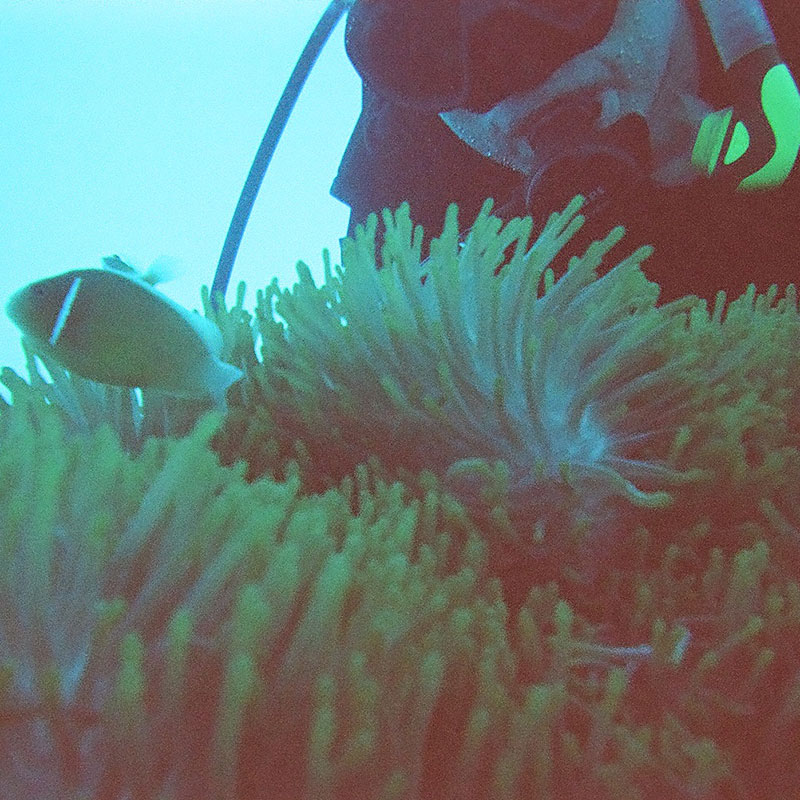
Disposable cameras. These provide disappointing, blurry photos, not insta-worthy captures.
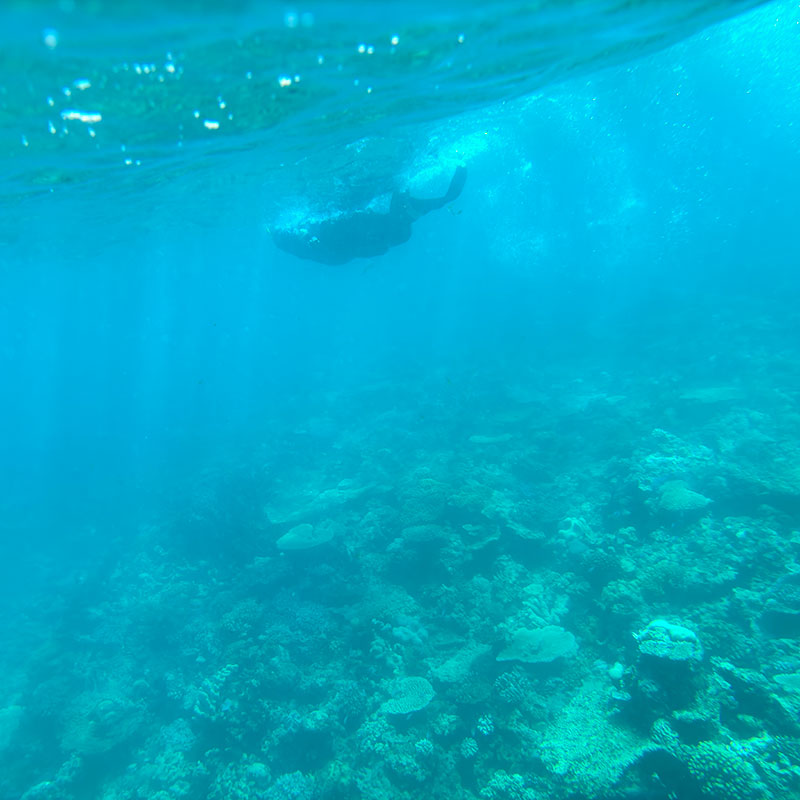
We don’t see these as much as we used to, but they still haunt the shelves. For research purposes, we recently took a disposable camera on a Reef Encounter liveaboard trip, just to see what the results were like. Apart from being clunky and awkward underwater, where you are wondering, ‘did I roll it forward’, the photos are terrible.
The Verdict: A disposable underwater camera yields disappointing, blurry results. The worst thing is, you don’t even know it until you get them back and by then it’s too late for a Plan B.

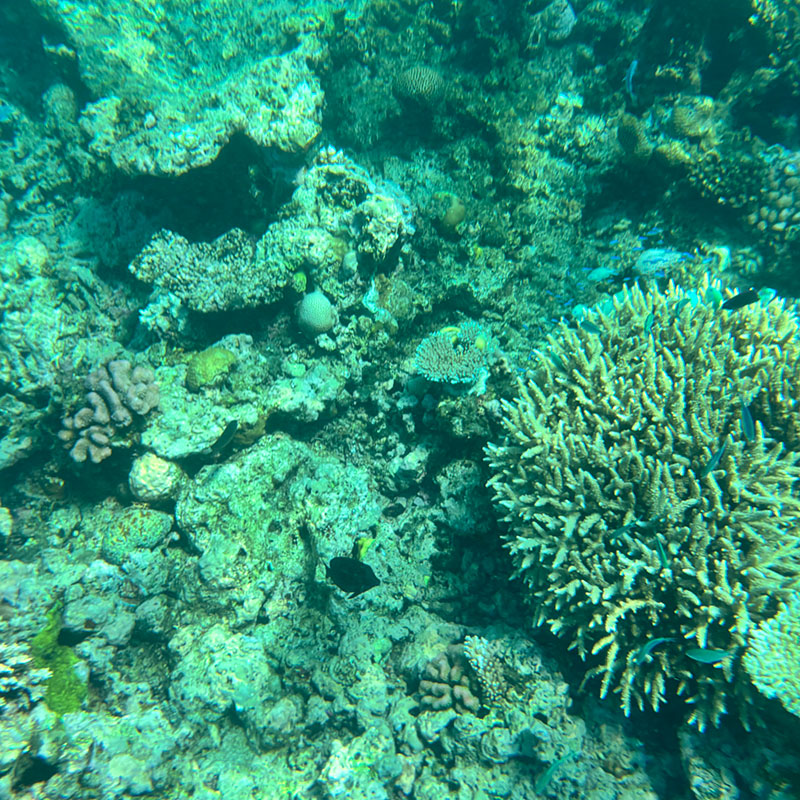
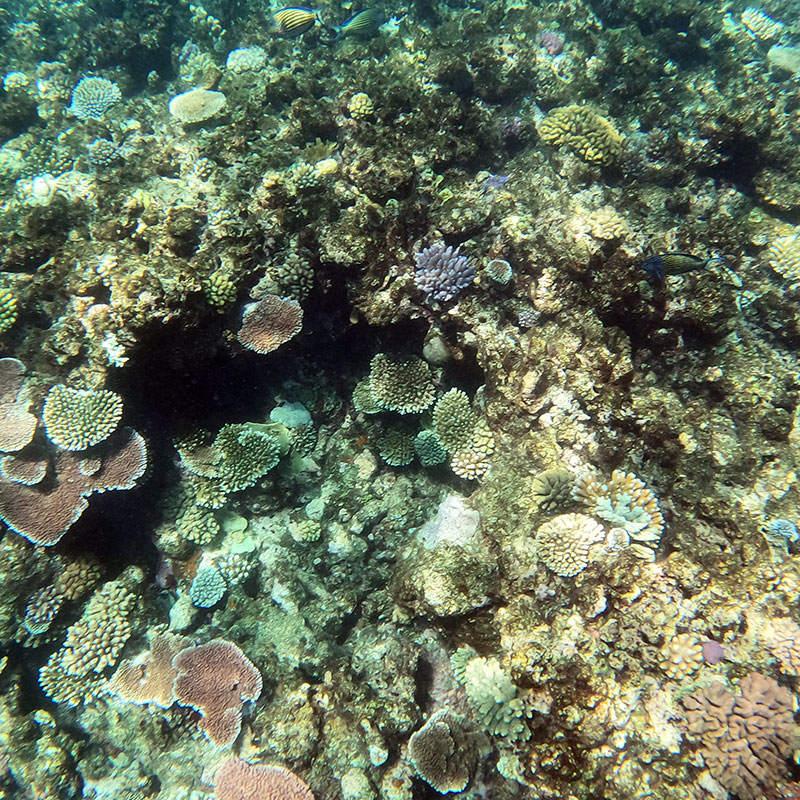
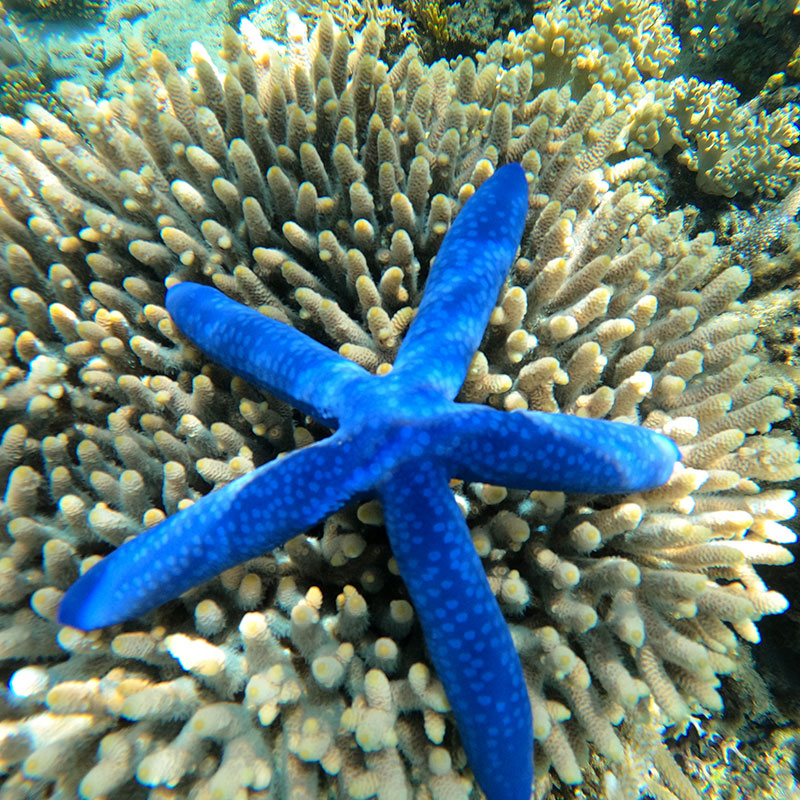
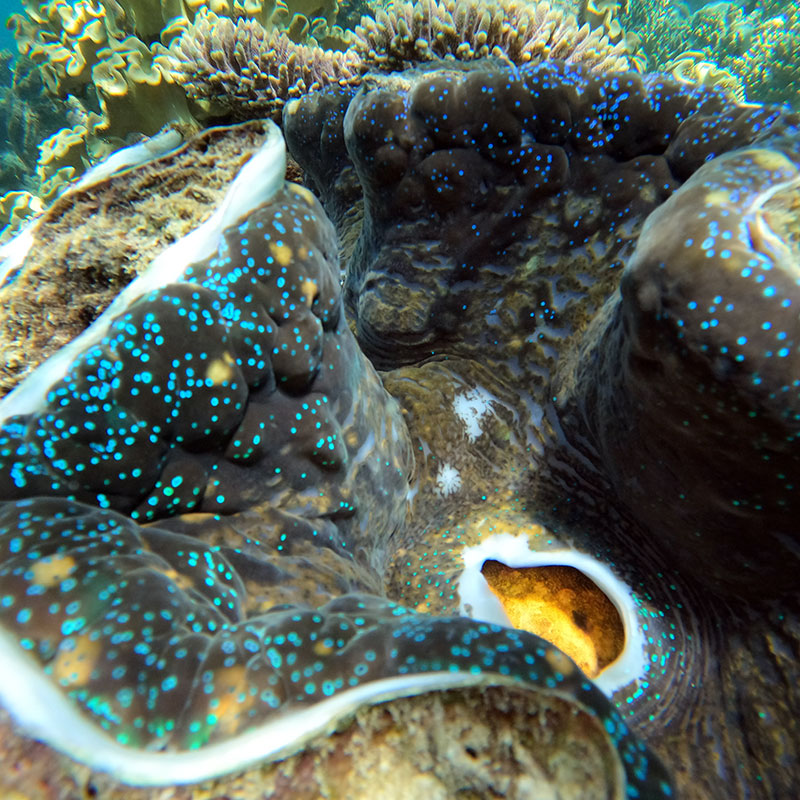
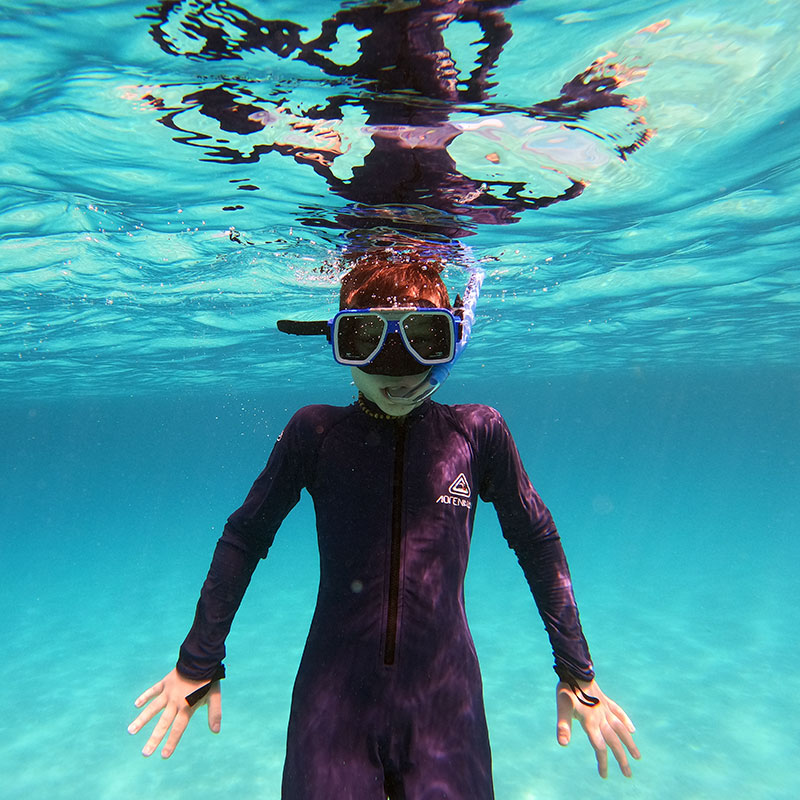
We love using GoPro for our underwater adventures. Amazing colours, easy to handle and can do photos and video.
We’ve personally owned almost every generation of GoPro, from 2 and 3 all the way to the 8, 9, 12 and now the 13.
My “Pro” Secret: While I own a semi-professional mirrorless camera with expensive strobes, I only take my GoPro on snorkel trips. Most of the time, you honestly can’t see the difference between my $5,000 rig and a GoPro in shallow water. How to get the best shots:
The Verdict: The difference these make is astounding. Even the early models were amazing, but today’s tech (and the competition from DJI and Insta360) has made action cameras the only real choice for the reef.
Modern GoPros (Hero 5 through 13) are waterproof to 10 meters (33 feet). If you are snorkeling, you don’t technically need a case but you should use one. For scuba diving, you must use a dive housing to handle the increased pressure.
As you go deeper, water filters out the red spectrum of light. This is why “pro” setups use red filters or powerful dive lights to bring back those vibrant oranges, pinks, and reds you see in magazines.
In most cases, no. Water pressure mimics a “touch” on the screen, which often causes the phone to open random apps or stop recording. If you must use a phone, use the physical volume buttons to trigger the shutter.
The “magic zone” is the top 5 meters. This is where you have the most natural sunlight and the best color clarity. This is why snorkeling photos often look better than deep-dive photos without artificial lighting.
Manufacturers generally advise against it. IP68 ratings are usually tested in fresh water. Saltwater is highly corrosive and can ruin the charging port and seals of your phone almost instantly.
Disposable cameras have a fixed focus and require a lot of light. If it was a cloudy day or you were deeper than a few meters, the shutter speed was likely too slow to capture a sharp image, resulting in “motion blur.”
Between 10am and 2pm is ideal. This is when the sun is directly overhead, and the light penetrates the water more deeply, creating fewer reflections on the surface.
The easiest way is using the GoPro Quik app on your phone. It connects via Wi-Fi, allowing you to download your favorite shots and post them to social media before you even get back to the Cairns marina.
We’ve tried and tested all of the options, so you don’t have to. We’ve realised that for 99% of people, a GoPro is the perfect tool. It’s rugged, it’s easy and it captures the reef exactly how you remember it.
That’s why, when you book your tour through us, we hand you a professional GoPro setup for the day, for free. Because your memories shouldn’t be green, blurry, or trapped in a plastic bag.

© I Love Cairns 2026